Score and submit a test
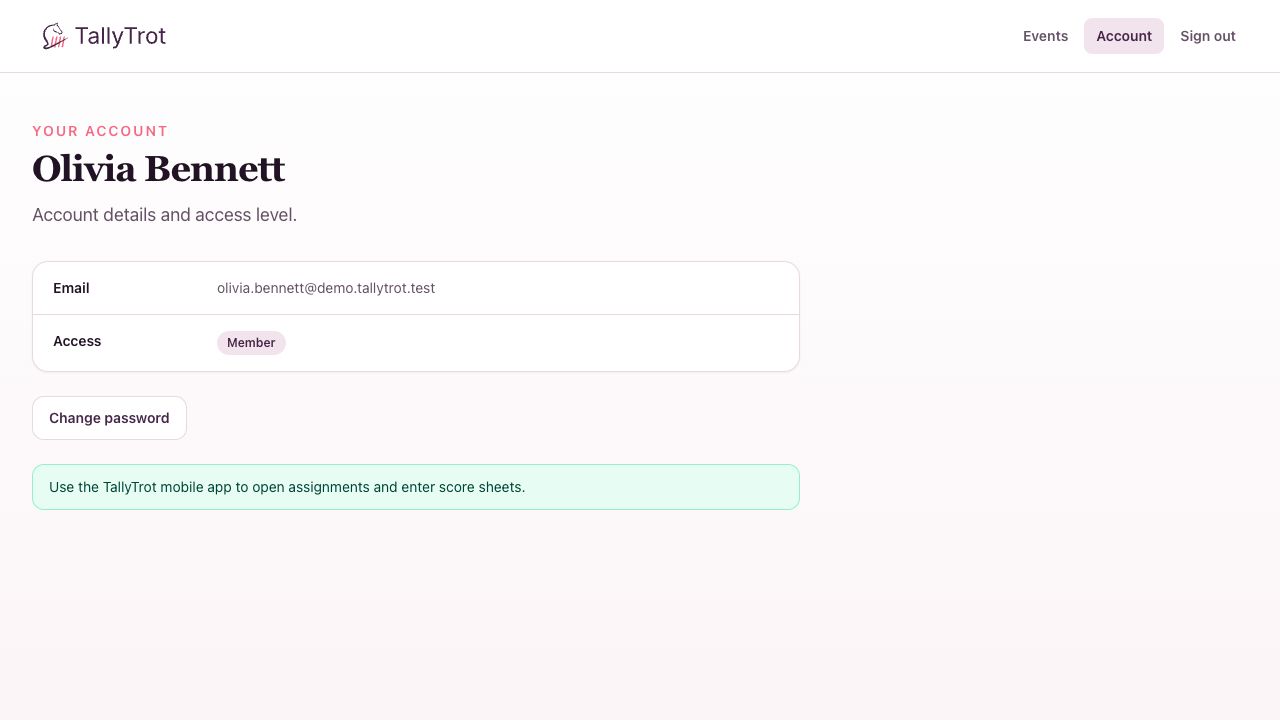
Judges enter and submit score sheets in the TallyTrot mobile app. The web application confirms account access and assigned events, but it does not provide score-entry controls.
Confirm your web access
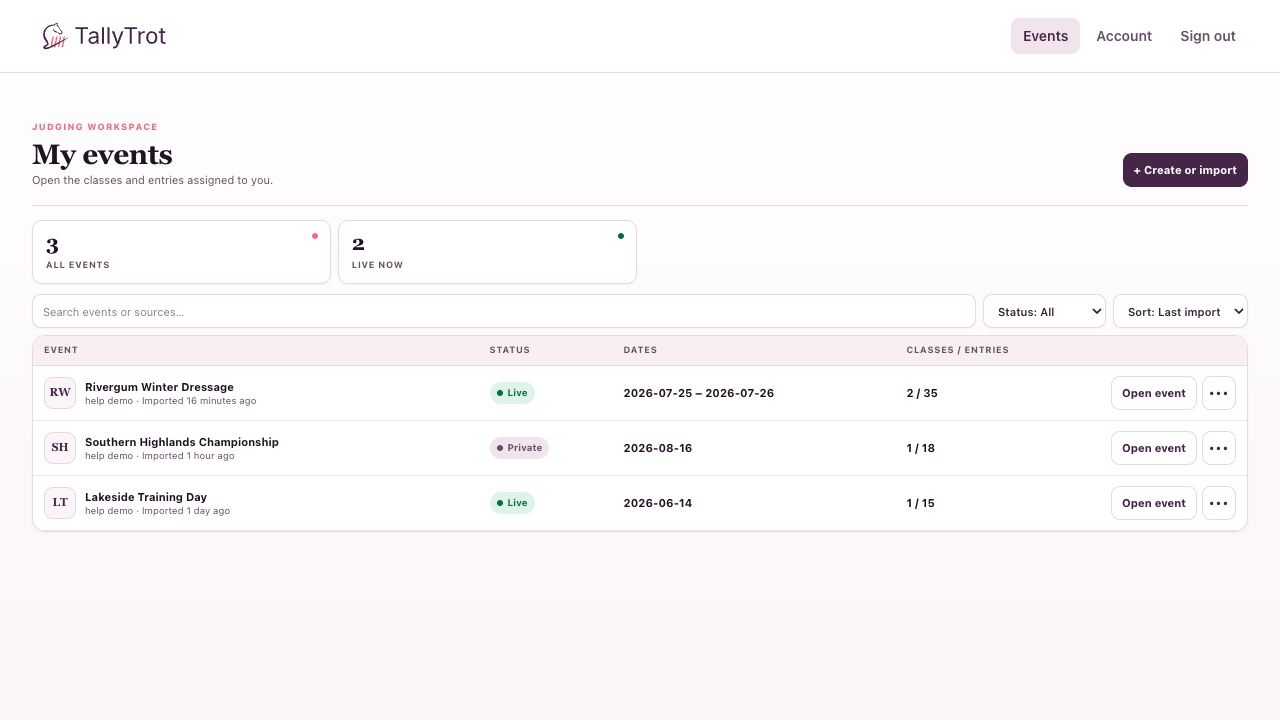
After accepting an invitation, sign in and open Events. Only events connected to your judge assignments are shown.
Your account page also confirms the mobile handoff.
In the mobile app
- Sign in with the same email used for the accepted invitation.
- Open the assigned event and class.
- Select the correct ride and confirm the rider, horse, draw number, test, and judge position.
- Enter every movement mark and any judge comments.
- Complete collective marks and applicable deductions, including errors of course.
- Review the calculated sheet before submission.
- Submit the sheet only when it is complete.
The server preserves drafts and versions. If another copy of the sheet has changed, refresh before continuing rather than overwriting newer work.
Before submitting
- Confirm you are scoring the correct combination.
- Check that every required movement has a mark.
- Review comments for the correct movement.
- Confirm deductions with the steward or scoring office when required.
- Keep the device connected long enough to receive the submitted state.
After submission
The scoring office sees the sheet as Submitted. When every judge has submitted, the ride becomes Ready to verify.
A later correction can invalidate verification and require the result to be checked again. Contact the scoring office before changing a sheet that has already contributed to a verified or published result.
Success state
The mobile app reports the sheet as submitted, and the scoring office no longer lists your position as outstanding for that ride.
Previous: Accept a judge invitation · Next: Monitor class progress